How to use CuraR2
A clear treatment routine.
Prepare the device, select your level and keep the treatment window moving over the indicated areas.
Orange means charging. Steady green means fully charged.
The device vibrates and the blue indicator shows standby mode.
Briefly press the button to cycle through the three levels.
Continuous gentle vibration and a yellow light indicate active treatment.
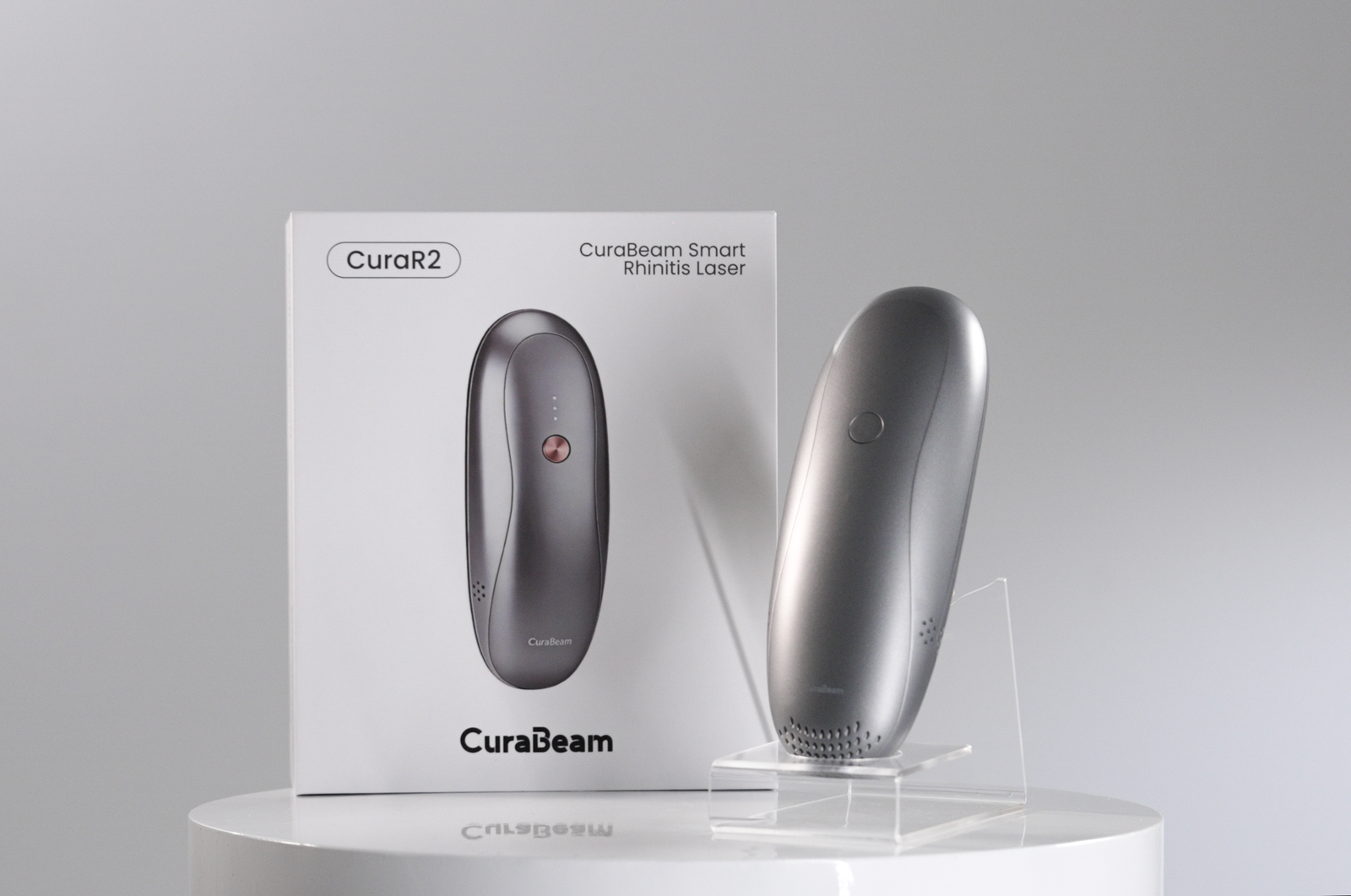
Move continuously during treatment.
Use a continuous sliding motion or press-and-lift technique. Do not remain in one position because this may cause overheating.
Care and troubleshooting
How do I clean the treatment window?
When visibly dirty, wipe with a soft cloth soaked in 75% ethanol for three minutes, then allow it to evaporate completely.
Why is the contact indicator off?
Charge the battery and confirm the treatment window has steady, full skin contact.
Can the device get wet?
No. Do not use a wet CuraR2. Contact Customer Service if the device becomes wet.